
How Your Website Syncs Products and Posts to the Directory
By Toppages
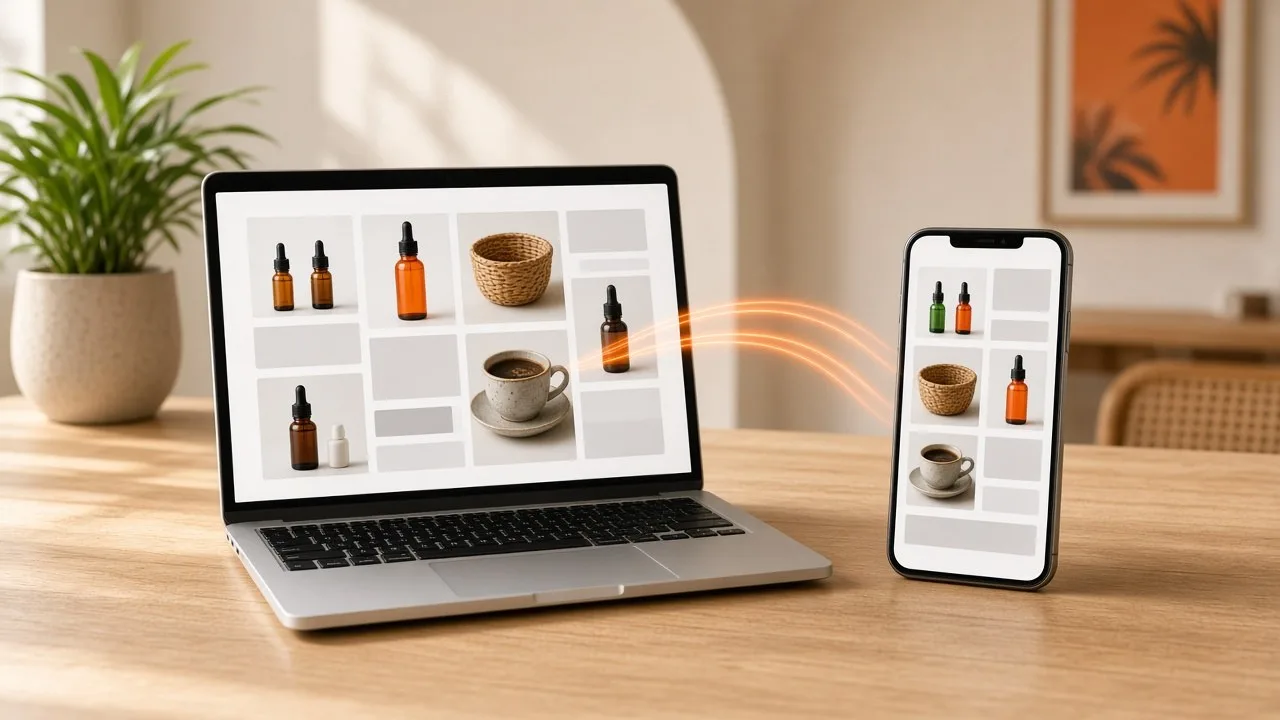
Most small businesses that build a website face the same problem afterwards: getting people to see it. You add new products, write a helpful blog post, update your opening hours, and then you have to repeat the same work on every other platform where customers might find you.
The Toppages Directory takes some of that work away. If your website was built by Toppages, it syncs to the directory automatically. Your business details, your products and your blog posts appear on toppages.net without you having to copy anything across.
This guide explains what gets synced, where it shows up, and how to get the most out of it.
What is the Toppages Directory?
The Toppages Directory is a business directory for Malaysian businesses. Customers use it to find local businesses by name, category or location, and filter by state and city.
Any business can add a free listing. On top of that, every website built by Toppages syncs to the directory automatically, so the directory shows far more than a basic listing for those businesses.
There are two ways to be on the directory:
- A free listing. You fill in a short form with your name, category, address, contact details, a description and an optional logo. Free listings show a logo only, not photos, products or posts.
- A synced listing. Your Toppages-built website feeds your directory listing automatically, including your products and blog posts.
What gets synced from your website
When your website is built by Toppages, your directory listing is filled in from the website itself. Looking at synced listings on the directory today, a listing can include:
- Your logo, category, address and description.
- Your opening hours.
- Contact buttons, including call, email and WhatsApp. You can have more than one WhatsApp button, each labelled with the person it goes to, such as a manager or a sales contact.
- A link to your website.
- A catalogue of your products or services, each with its own photo, its price or a price range, or "Price on request".
- Your latest blog posts and updates, with their dates, grouped by the categories you use on your website.
You update your website, and the directory listing follows. There's no second login and no separate listing to maintain.
How products appear on the directory
Every product or service you add to your website can appear in the catalogue on your directory listing. Each product also gets its own page on the directory, with:
- the product photo and name,
- the price, price range or "Price on request",
- a WhatsApp button that opens a chat with a ready-made message saying the customer saw the product on Toppages,
- call and email buttons,
- a link to see the product on your own website.
That WhatsApp message is handy. When an enquiry arrives, you know exactly which product the customer is asking about, and where they found it.
Products can be found across the directory
Products aren't hidden inside your listing. The directory homepage has a Latest Products section, and the directory search lets visitors choose to search products, not just companies. A customer looking for a particular item or service can find it even if they've never heard of your business.
For example, a hypothetical spare-parts shop that adds a new set of rims to its website could have that product appear on its directory listing, in the directory's product search and possibly in the Latest Products section, all from one update.
How blog posts appear on the directory
If you write blog posts on your Toppages website, such as tips, before-and-after stories or news, they sync to the directory too. Each post gets its own page on the directory, showing the date, your business name as the author, the article itself and any FAQ you've added to the post.
Your listing shows your latest updates, and visitors can filter them by your blog categories. The directory homepage also has a Recent Posts section, and visitors can search posts on their own.
Your website stays the original
Synced products and posts link back to your own website. Behind the scenes, each synced product and post page on the directory also tells search engines that the original lives on your website. Your site stays the main home of your content, and the directory works as an extra place for people to discover it.
Why syncing helps you reach more customers
Your content works in more than one place
A post written for your website can also be read by people browsing the directory. A product added to your website can be found by people searching the directory for that product.
Your listing stays up to date
Out-of-date listings lose customers. A wrong price or an old opening time leads to wasted calls and disappointed visitors. Because your directory listing is fed by your website, updating one updates the other.
It saves time
Small business owners rarely have time to manage the same information in several places. With syncing, you keep one website up to date, and the directory follows.
It shows customers you're active
A listing with recent posts and a current catalogue shows customers you're open, active and serious about your business.
How to make the most of syncing
- Add your products properly. Use clear photos, accurate names and prices where you can. "Price on request" is fine for custom work.
- Write useful posts. Answer questions your customers actually ask, share before-and-after examples, and explain your services.
- Use blog categories. They help visitors filter your posts on your directory listing.
- Keep opening hours current, especially around public holidays.
- Label your WhatsApp contacts clearly, so customers know who they're messaging.
- Remove products you no longer offer. Your listing should match what you actually sell.
Free listing or synced website?
A free listing is a good start. It puts your name, contact details, description and logo in front of people searching the directory.
A synced Toppages website goes further: your products, prices, blog posts and opening hours appear on the directory too, and they stay in sync whenever you update your site.
Frequently asked questions
Do I need to update my directory listing separately?
Not if your website was built by Toppages. Your listing syncs from your website, so updating your website updates the directory.
Can a free listing show products and blog posts?
No. Free listings include your business details and a logo only. Products, blog posts and opening hours come from a synced Toppages website.
Will syncing my blog posts hurt my website's SEO?
The directory points search engines to the original post on your website and links back to it, so your website stays the main home of your content.
What if I already have a website that wasn't built by Toppages?
You can still add a free listing and link to your website. To get automatic syncing of products and posts, you'd need a website built by Toppages. Contact the team to discuss your options.
Get on the directory today. Add your free listing. It takes about a minute.
Want your products and posts on the directory automatically? Get a full website from Toppages with built-in directory syncing. Contact Toppages or WhatsApp us.